
diados
Extension of the Day

diados

5.0 FREE
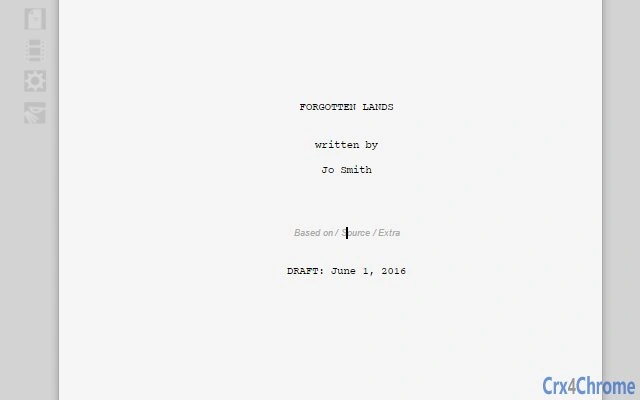
  • Screenshot 1

Description

BY screenwriters, FOR screenwriters.We love using Google Docs for our outlines, bio's, and storylines, but when it comes to screenwriting, collaborating in Google Drive on the film script or screenplay itself, there just weren't any great tools.So we wrote one: YouMeScript.Features:* Fast and lag-free even in long scripts.* No sign-in, ads, or data-grabbing, ever.* Full real-time collaboration.* Attractive uncluttered design.* Import FDX, FOUNTAIN, and plain text.* Export to PDF, FDX, FOUNTAIN, and more.* Intelligently auto-formats pasted text.* Short-cuts for full-speed screen writing.* Auto-complete lets you move fast.* Edit remembered Characters / Locations.* Multiple dictionaries available.* Personal and per-script dictionaries.* Intelligent element type selection.* Auto-correction and auto-capitalization.* Inline-notes.* Comments with reply threads.* Industry standard screenplays format.* Navigation tools.Pro upgrade features include:* Offline working.* Add images + gif's within the script.* Alternative-format automatic backups.* Competition / assignment word-counts.* Smart links for easier collaboration.* Basic production-script tools....and more every week: YouMeScript's online format means you always have the latest features, no downloads or updates needed.So...WHY AREN'T YOU WRITING?!

Guides & Tutorials for YouMeScript App for Chrome

How to install YouMeScript App for Chrome
  1. Click the Preview / Download button above.
  2. Once redirected, accept the terms and click Install.
  3. Wait for the YouMeScript App for Chrome download to finish on your device.
How to use YouMeScript App for Chrome

This software is primarily used for its core features described above. Open the app after installation to explore its capabilities.

User Reviews for YouMeScript App for Chrome 0

    No reviews found

Similar Apps


